Help students understand sequence, selection (conditionals), iteration (loops), variables, inputs and outputs through interactive real-world models without code syntax getting in the way.
Use Flow-Logic for full lessons, starters, explicit modelling, independent practice and assessment checkpoints
across primary/elementary, middle/secondary/high school and GCSE computer science classes.
Projects can be saved locally as .flow files.
Built for teachers worldwide who need computing curriculum resources, computer science teaching resources, and practical support for algorithm teaching, computational thinking, primary/elementary computing, middle school computing, secondary computing, high school computer science and GCSE exam preparation.
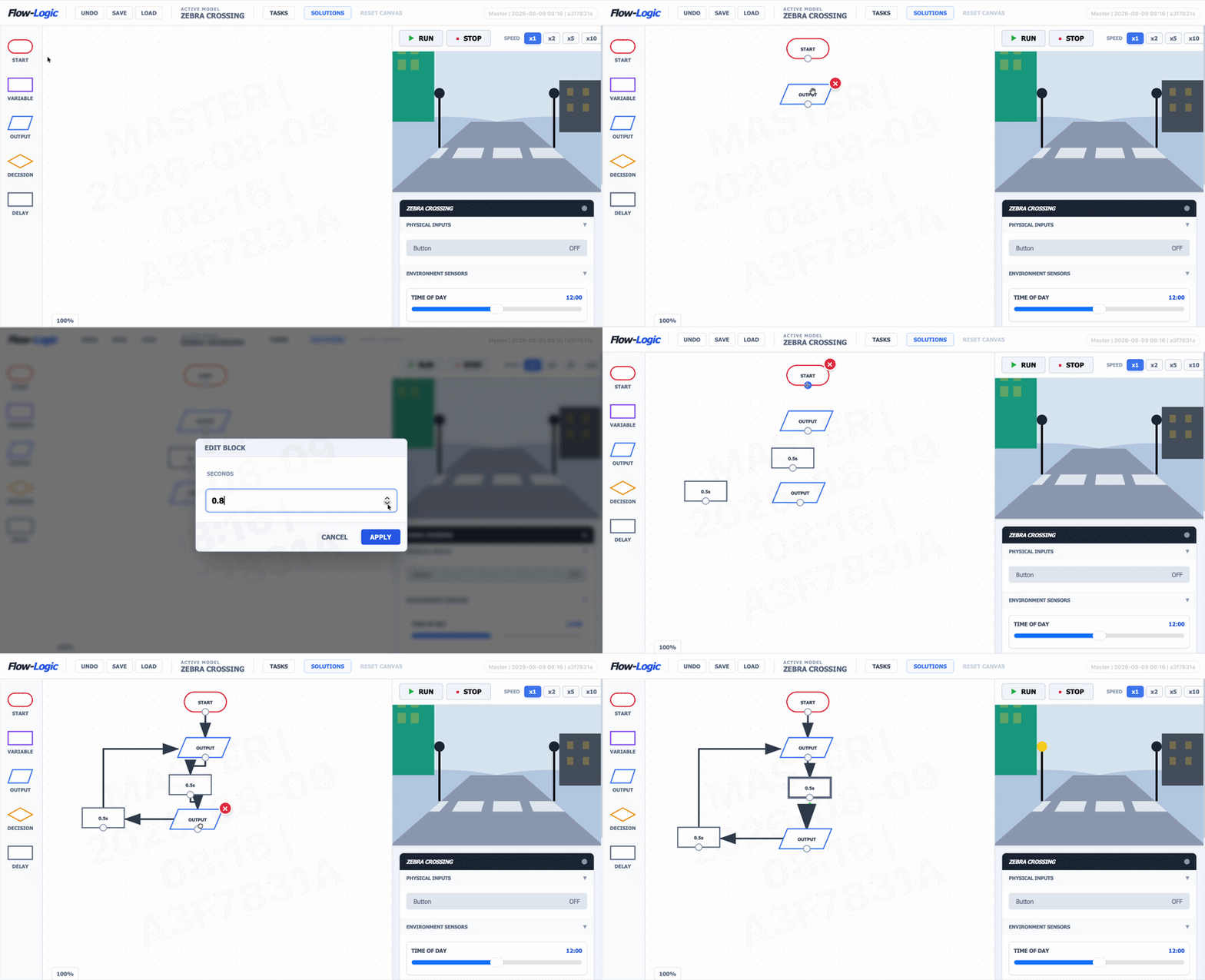
Students complete real-world automation tasks in the browser. Each model includes scaffolded activities that increase in complexity, from simple output sequences to conditional logic, loops and variables.
These sample tasks show the style of classroom challenge included with the Zebra Crossing model. Solution passwords are only available to teachers in the Teacher Admin Panel.
Students make the two beacons flash repeatedly using only output and delay blocks.
The beacons only flash while the crossing button is pressed, otherwise both beacons stay off.
During the day, the button starts the alternating beacons every 0.6 seconds. At night, both beacons stay on steadily with a 1.0-second loop.
In the day the crossing flashes every 0.4 seconds when pressed. At night it flashes every 1.2 seconds and stays off until needed.
Use a night locator light, then run faster or slower flashing when the button is pressed.